

Meet Zu3D 5
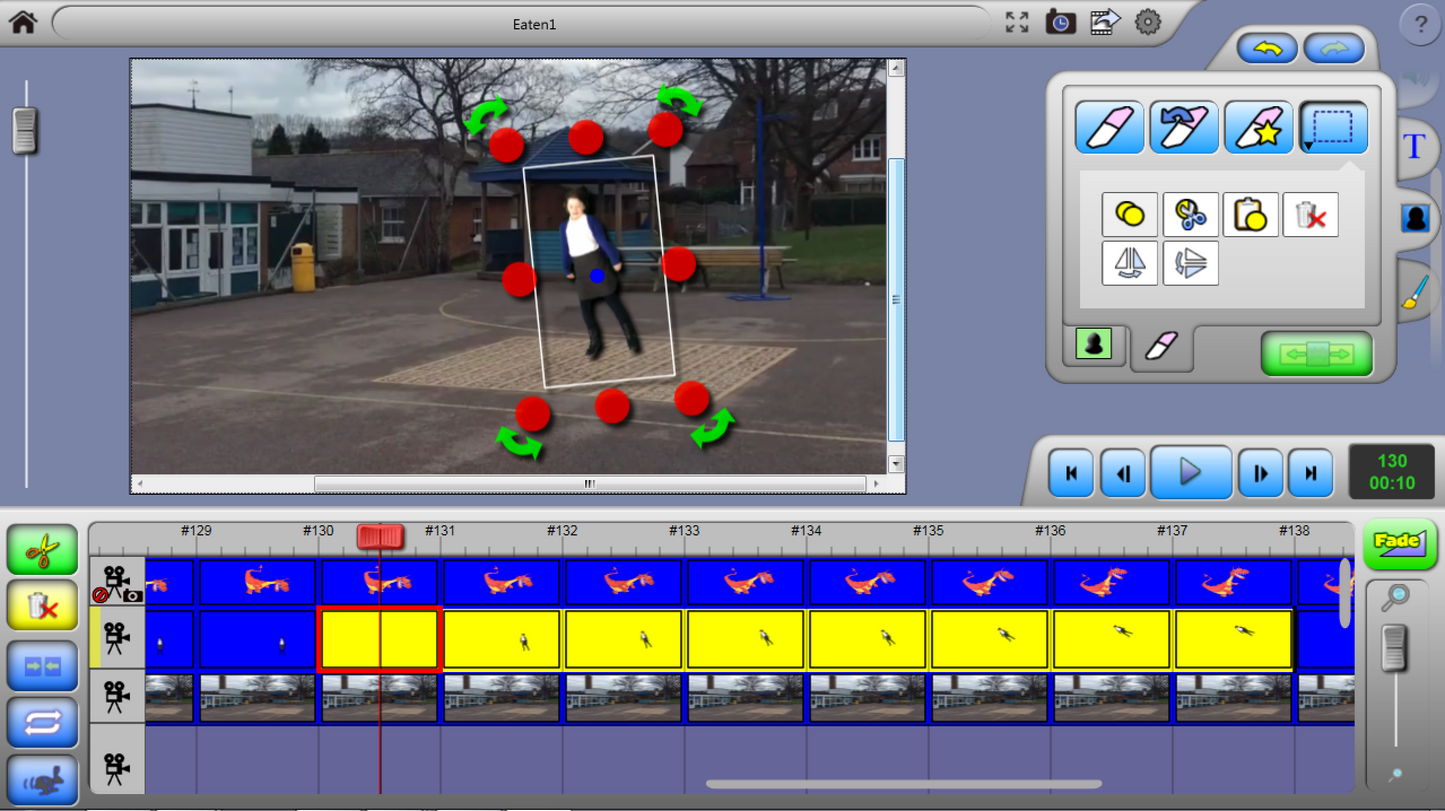
Our current stop-motion software brings capture, editing, drawing, sound and movie effects together.
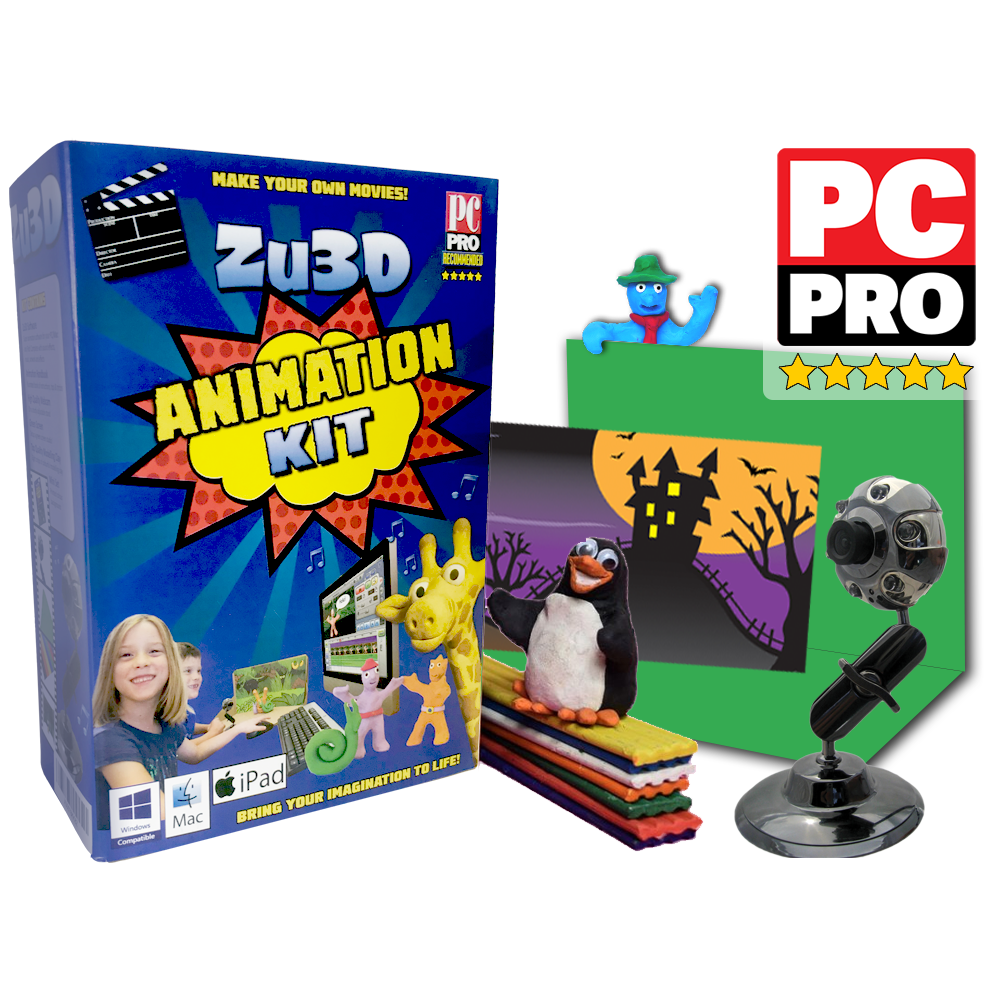
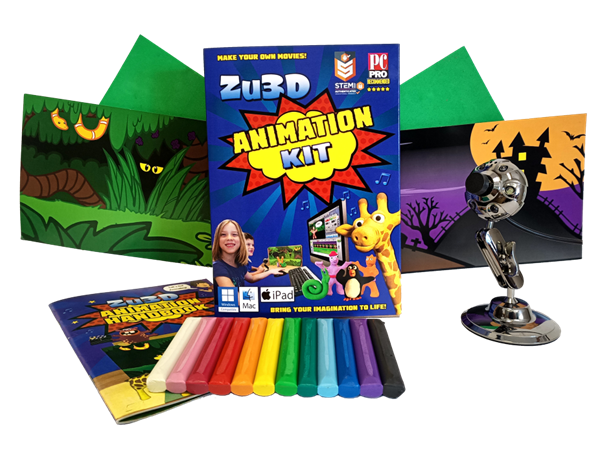
Have a Classic Kit? Its handbook follows Zu3D M. Keep using M, or try 5 with an eligible kit code. You can use both.
See what you can do
Animate anything with Zu3D
Clay, paper, drawings and live-action video can all become part of a film. These examples show what people have made with Zu3D.
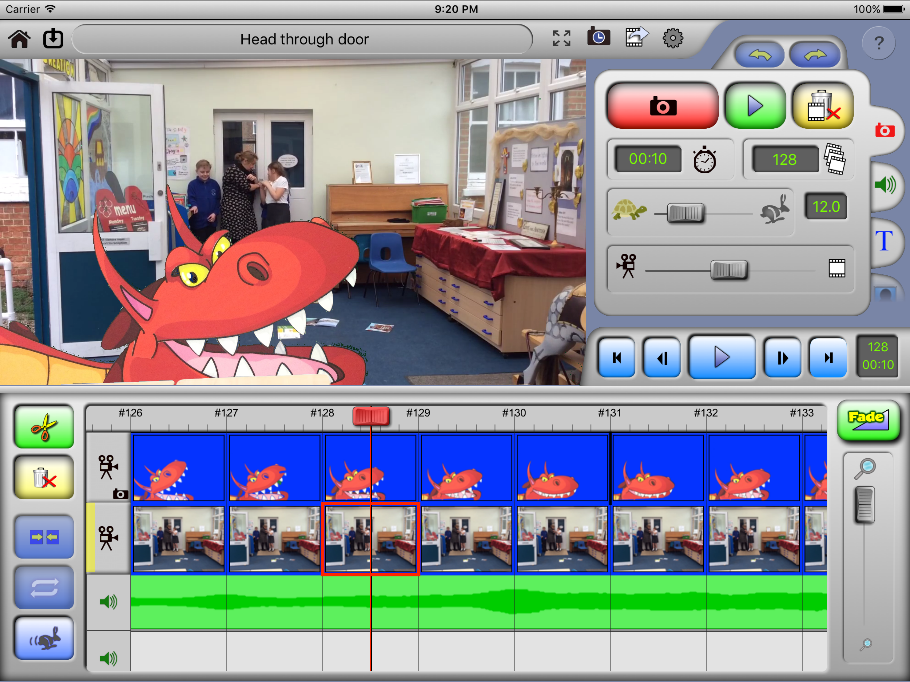
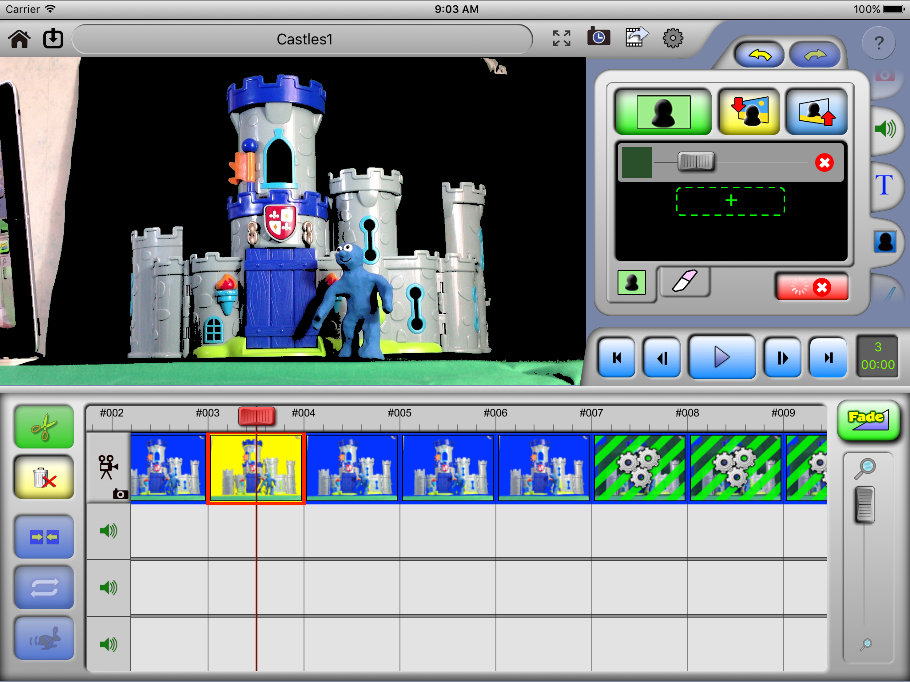
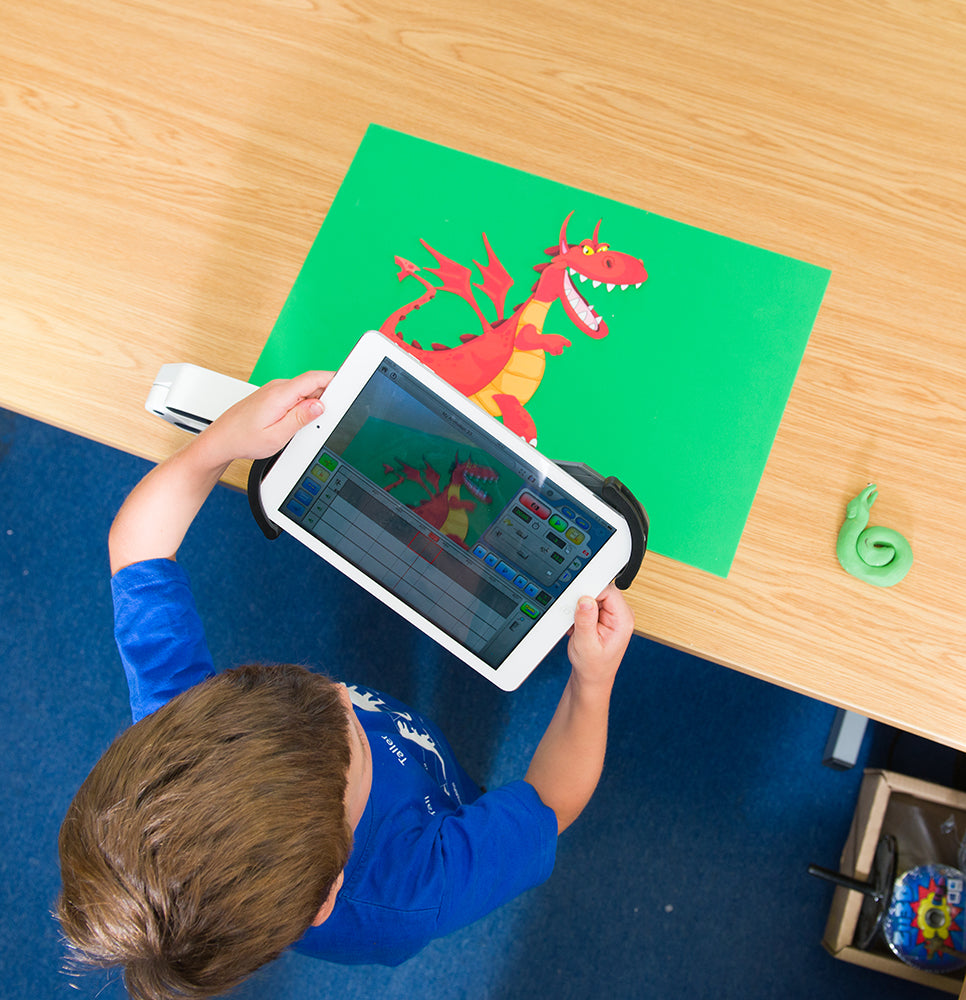
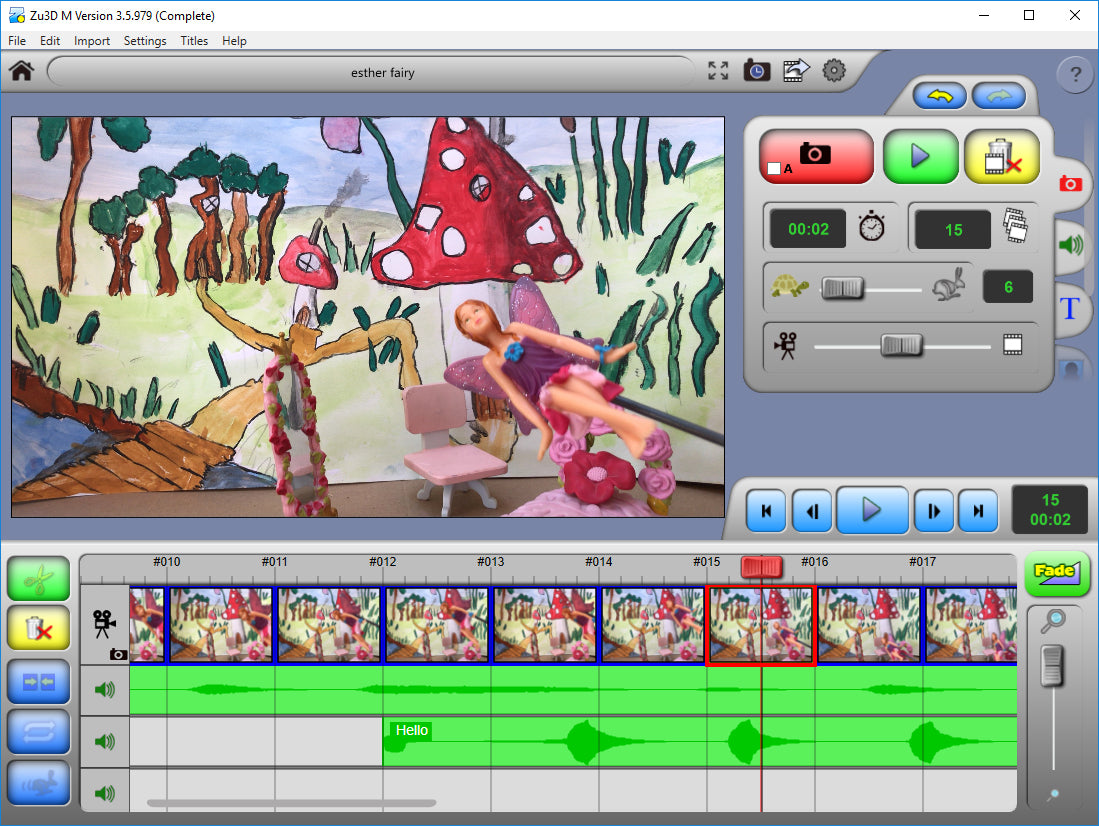
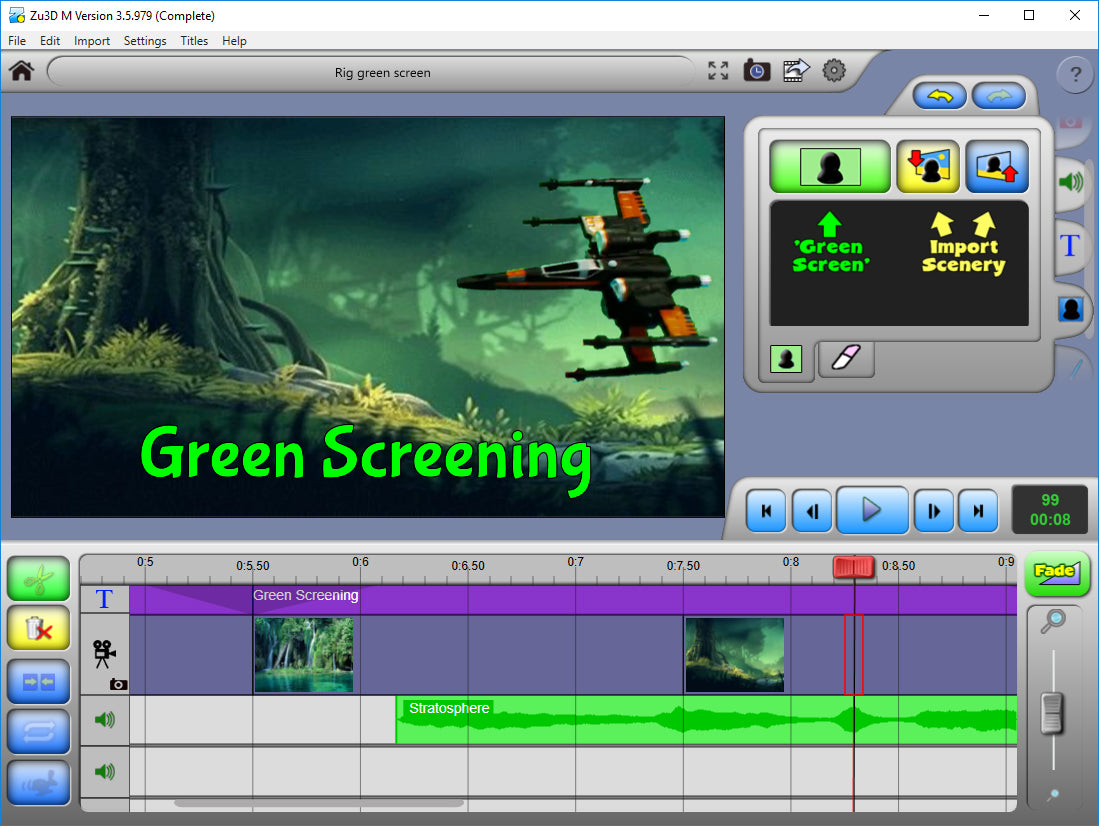
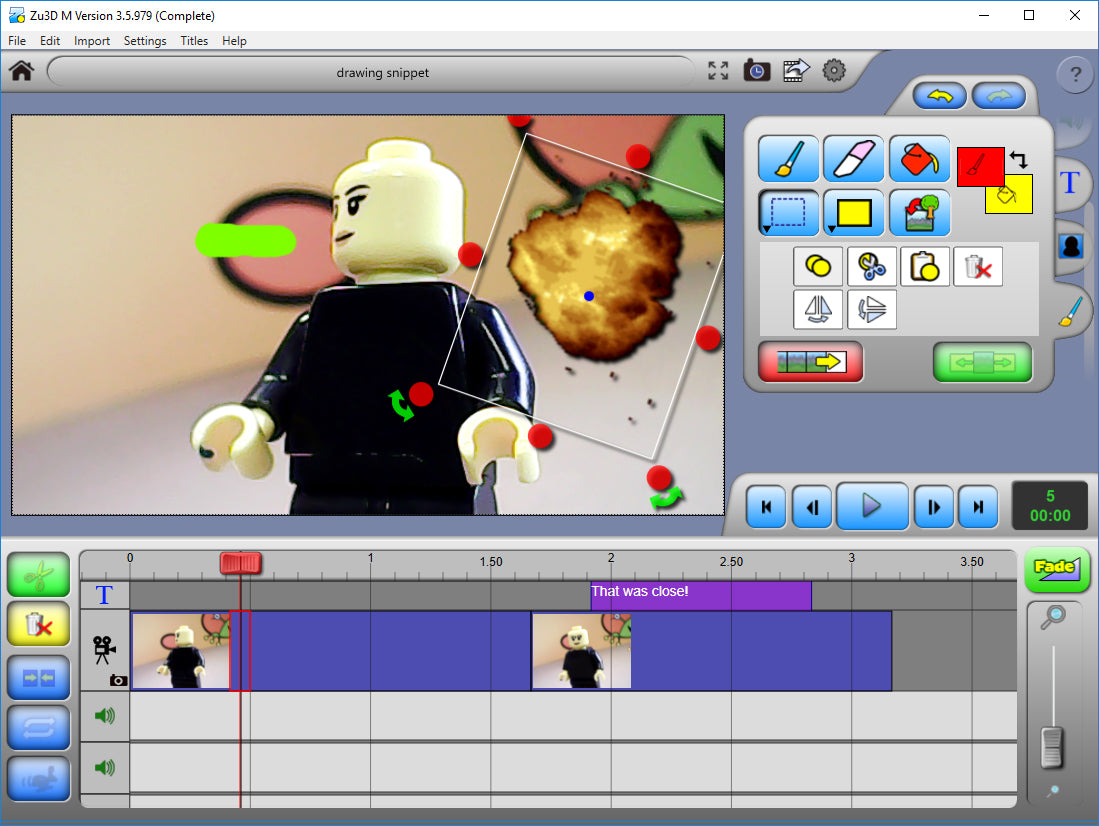
Education
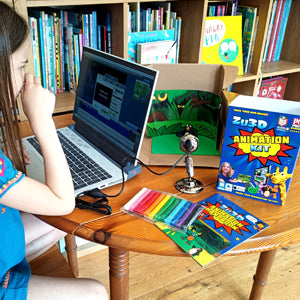
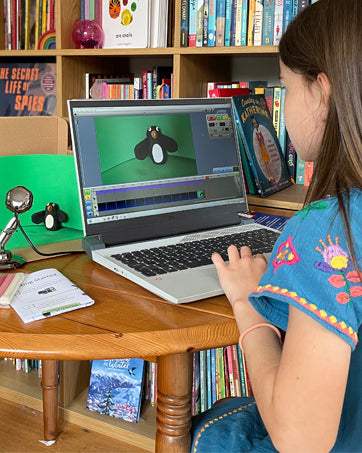
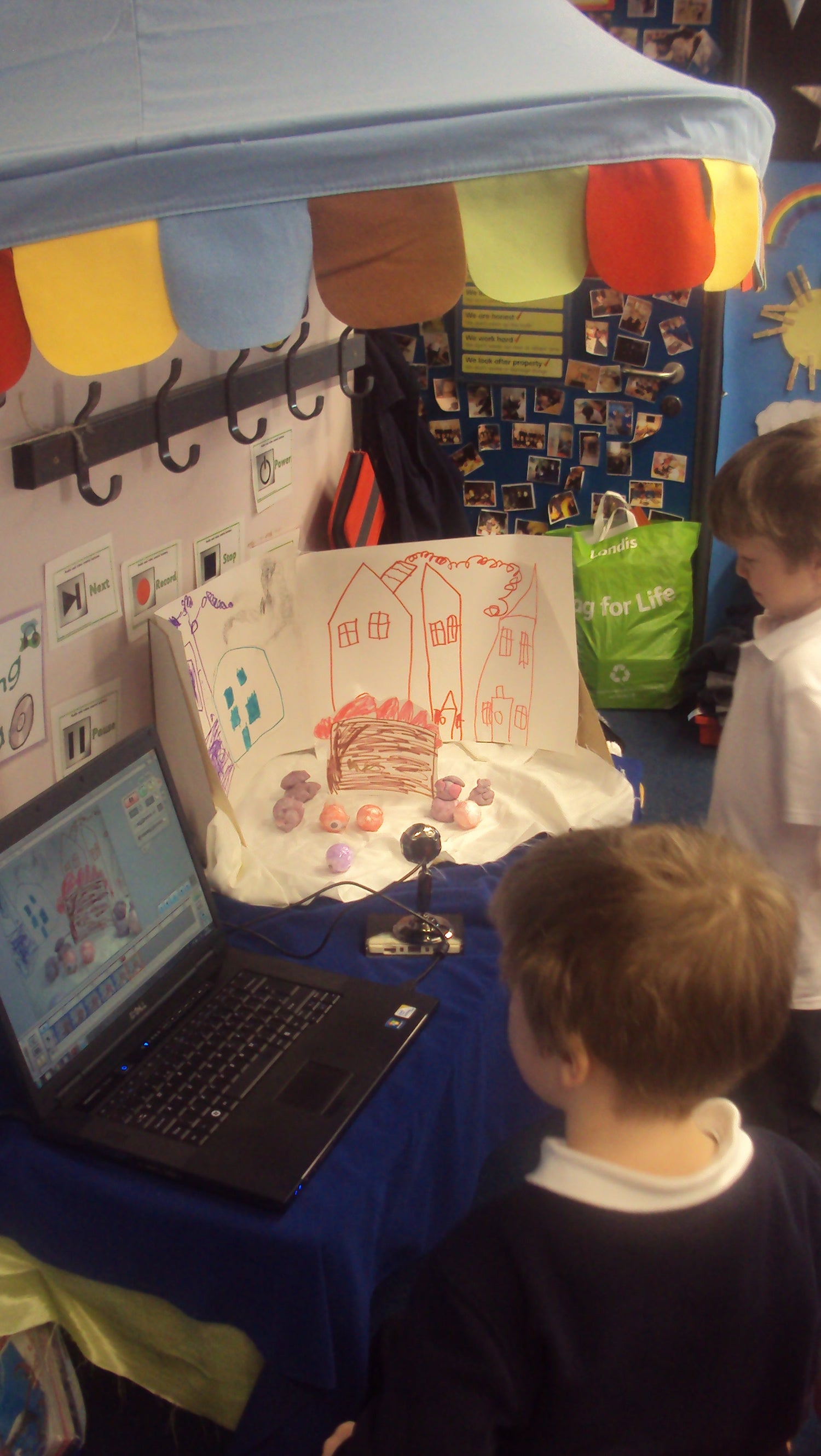
Zu3D is used in thousands of schools around the world, helping to engage children and bring the curriculum to life.
Whether it is to enhance literacy skills or explain a science topic Zu3D allows children to quickly and easily create mini movies to demonstrate their knowledge.
Alongside demonstrating their knowledge, students gain valuable skills in teamwork, problem-solving and communication.
The Zu3D Blog Hub
-

Zu3D + Summer Camps: Why Stop Motion Is a Go-To...
If you run a summer camp, school, or after-school club, you already know the secret to a brilliant activity: it needs to be hands-on, inclusive, and rewarding—with something students can proudly...
Zu3D + Summer Camps: Why Stop Motion Is a Go-To...
If you run a summer camp, school, or after-school club, you already know the secret to a brilliant activity: it needs to be hands-on, inclusive, and rewarding—with something students can proudly...
-

Making a Halloween Film
Two young creators spent a rainy afternoon turning clay and cardboard into Halloween magic — all with the Zu3D Animation Kit. From shaping their characters to capturing each tiny movement, this...
Making a Halloween Film
Two young creators spent a rainy afternoon turning clay and cardboard into Halloween magic — all with the Zu3D Animation Kit. From shaping their characters to capturing each tiny movement, this...
-

Adding sound
Zu3D M guide. These instructions and screenshots show the earlier app used in the Classic Kit handbook. You can keep following them in M. Using Zu3D 5? Follow the current...
Adding sound
Zu3D M guide. These instructions and screenshots show the earlier app used in the Classic Kit handbook. You can keep following them in M. Using Zu3D 5? Follow the current...


